
Shopify released an update this week which has made automated collections smarter 🎉
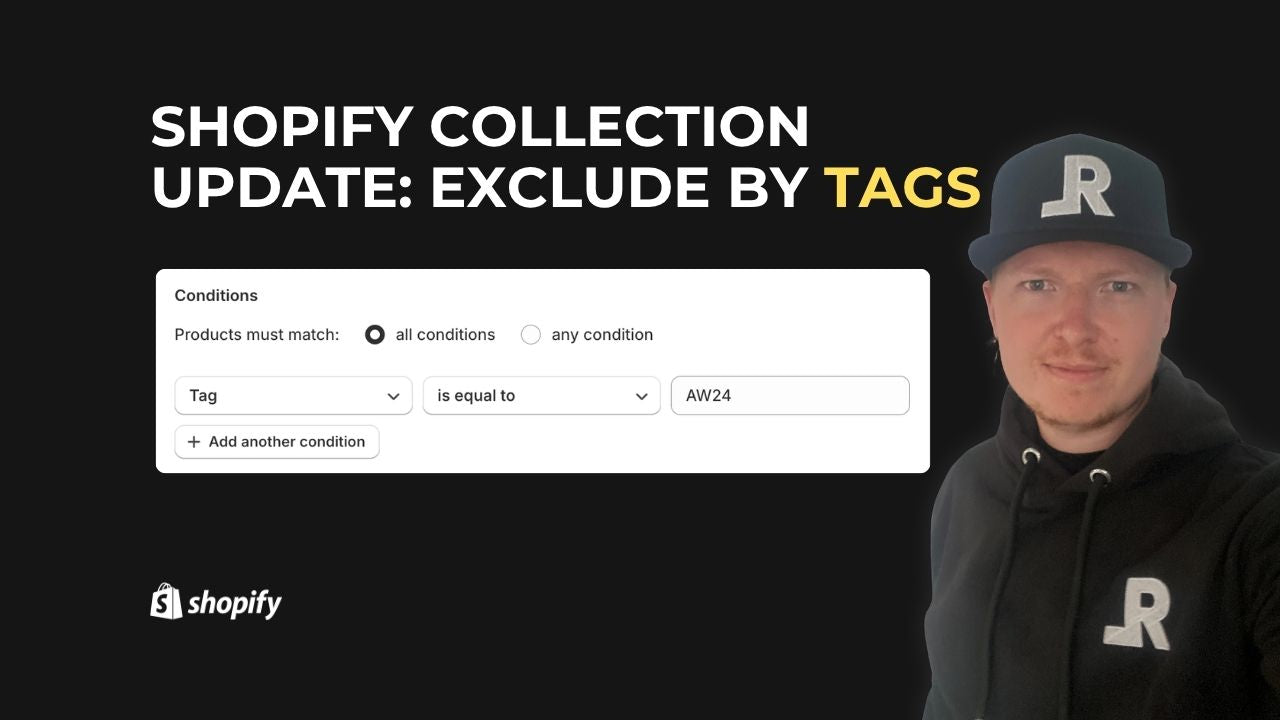
You can now filter by "tag is not equal to X". Until now, the Product tag filter only allowed inclusion (is equal to), so this exclusion option opens up new ways to organise your store.
Why This Matters
This update simplifies collection management and helps improve the customer experience. By automatically excluding items with specific tags, you can keep your collections clean and relevant without manual work or extra apps.
Example Use Case: Seasonal Lines
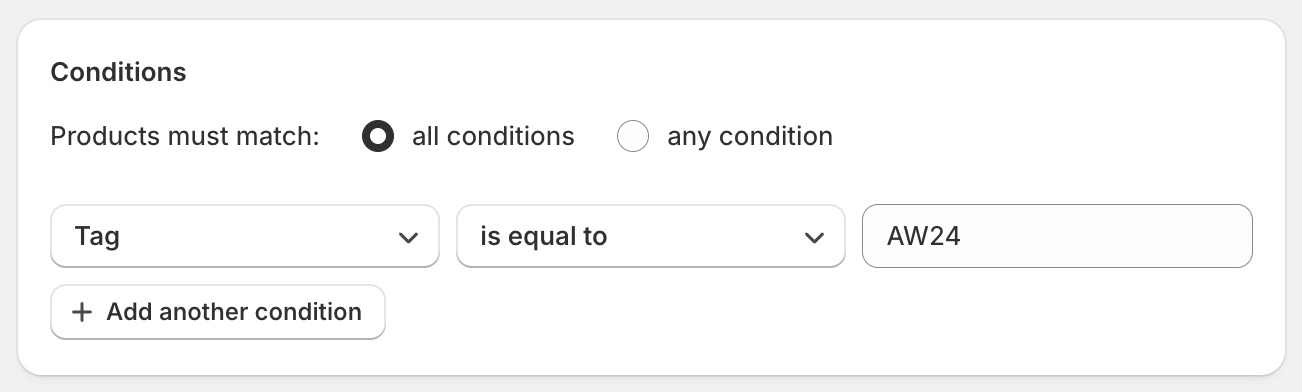
A great way to use this new feature is for seasonal items. For example, if your products are tagged with seasonal identifiers (e.g. AW24 for Autumn/Winter 2024), you can now exclude those tags from your key collections so they only display your latest products.
Benefit: You can maintain evergreen or current-season collections without showing outdated stock—all automatically.
How to Set It Up
- Go to Products > Collections in Shopify.
- Click Create collection (or edit an existing automated collection).
- Set the collection type to Automated.
- Under Conditions, select:
- First dropdown: Product tag
- Second dropdown: is not equal to
- Enter the tag you want to exclude (e.g. AW24).
- Save the collection. Shopify will automatically populate it with all products except those carrying the excluded tag.
What We’re Still Waiting For
While this exclusion filter is a welcome improvement, Shopify still doesn't allow more advanced AND/OR logic in automated collections.
A common example would be:
- Include products that are T-Shirts OR Hoodies.
- AND exclude all products with a compare-at price (i.e. products on sale).
Unfortunately, there's still no native way to combine inclusive and exclusive rules with AND/OR logic within a single automated collection. We still have to rely on workarounds such as separate collections, manual curation, third-party apps or, for some clients, custom metafields to provide more granular control.
This would be a game-changer for more complex catalogues. As I mentioned in my video, I raised this with Shopify back in 2018/2019, so here's hoping it's something they add in the future.
Wishing You a Successful Black Friday 2025! 🎉
To help, I've put together this interactive checklist to make sure your store is fully prepared for the sale season. It also includes a handy reminder for resetting your store once the promotions are over.
Don't forget to bookmark it for future promotions, and let me know if you think I've missed anything! 😊